

What a Self Check In Kiosk Should Include: Compliance and UX Explain
2026-01-27Check-In as Brand Theater
Hotels, clinics, banks, retailers, and transit hubs share a truth: the first moment sets the stage for the whole experience. A Self Check In Kiosk turns that moment into a fast, consistent, and secure touchpoint. It relieves pressure at the front desk, gives guests and patients control over their journey, and keeps operations running even when staffing is tight. For decision-makers, the appeal is simple: shorter queues, fewer errors, and a measurable boost to throughput without adding floor space.
✅ What A Self Check In Kiosk Does And How It Flows
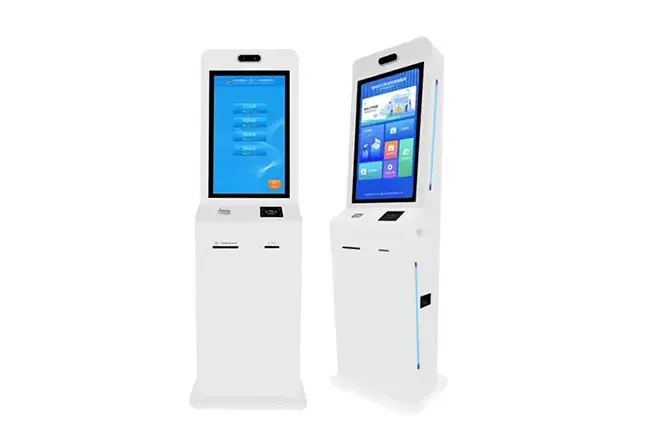
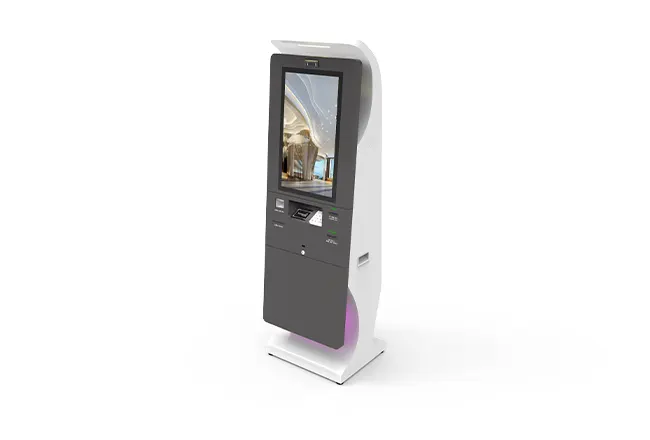
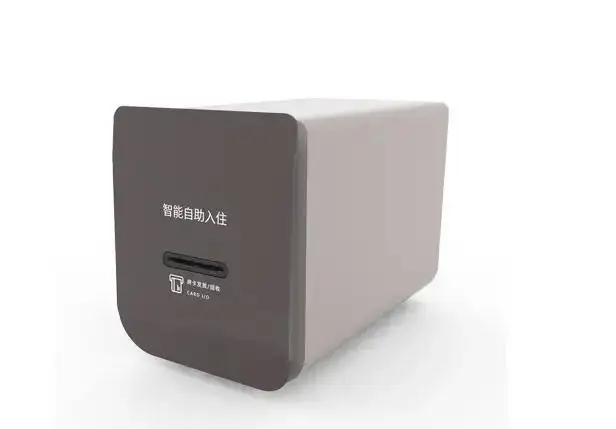
Think of a Self Check In Kiosk as a connected, purpose-built terminal that can verify identity, find or create a reservation, collect payment, and issue credentials. The specifics shift by industry:
•Hotels: confirm bookings, process payment or deposits, encode and dispense room keys, and print receipts.
The flow should be clear and predictable. A baseline journey:
•Identify: begin identification by scanning a QR code, tapping a card, inserting an ID, or entering a verification code.
•Match: the kiosk performs a real-time validation against PMS, HIS, or core banking data.
•Confirm & pay: check and confirm details, agree to the terms, and process payment if required.
•Issue: the kiosk issues a credential—keycard, QR, or printed receipt—immediately.
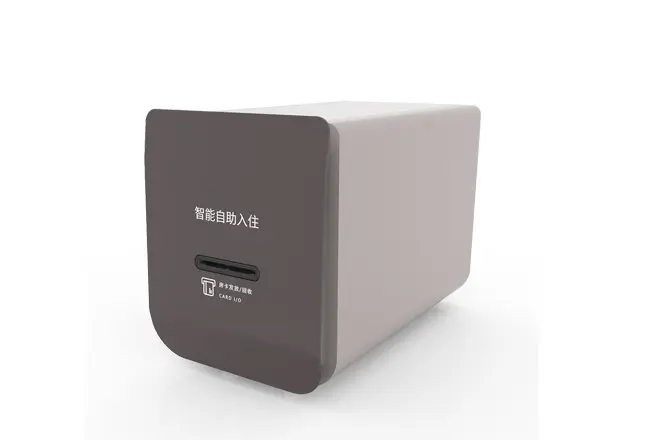
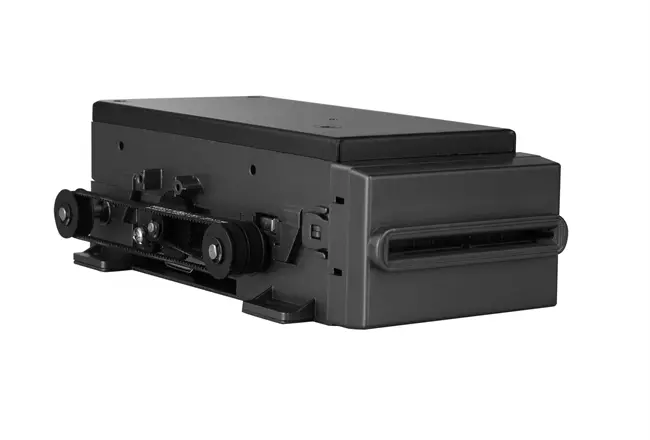
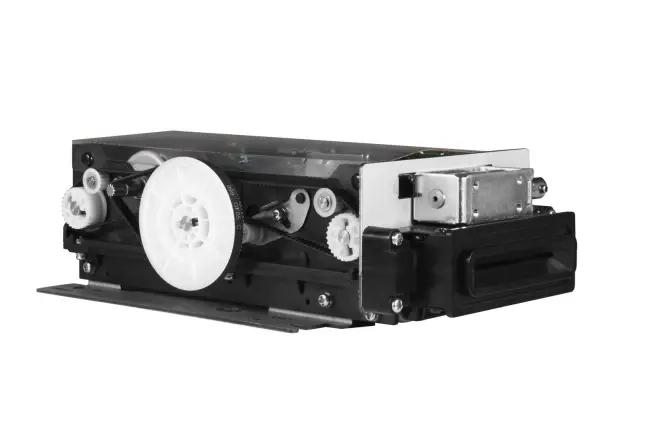
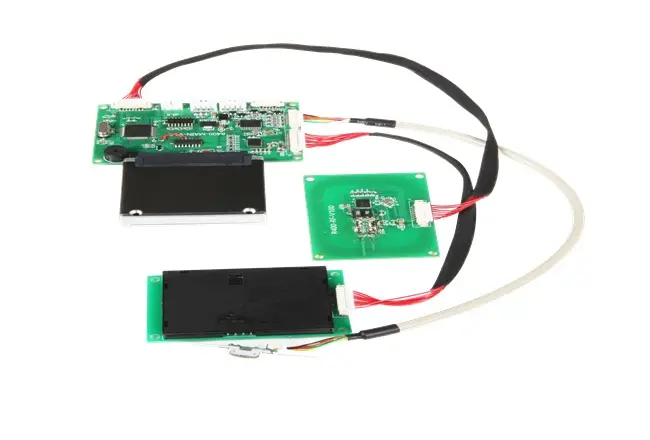
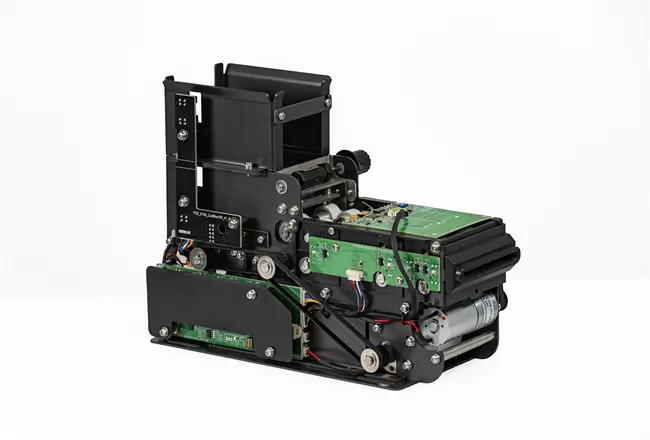
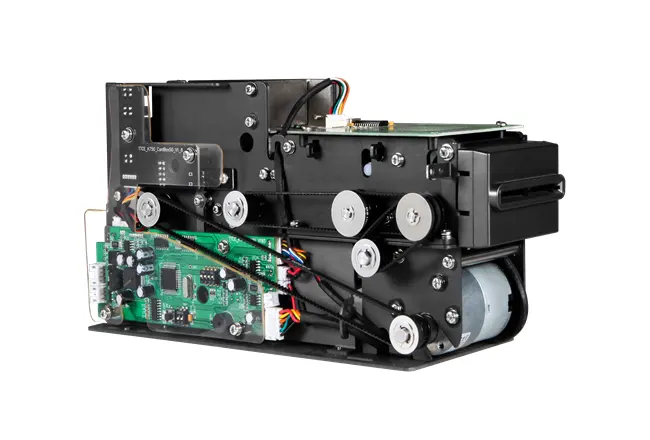
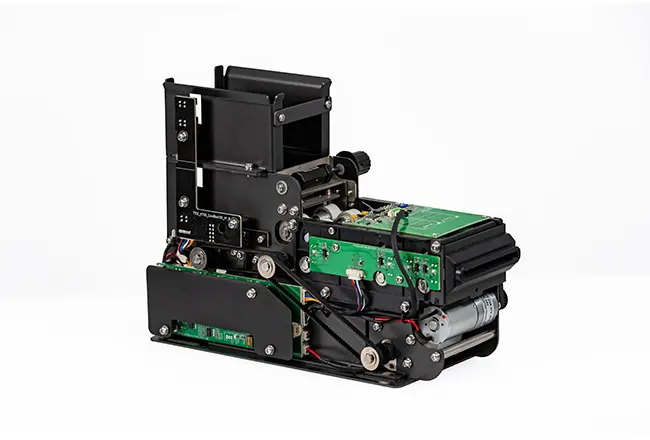
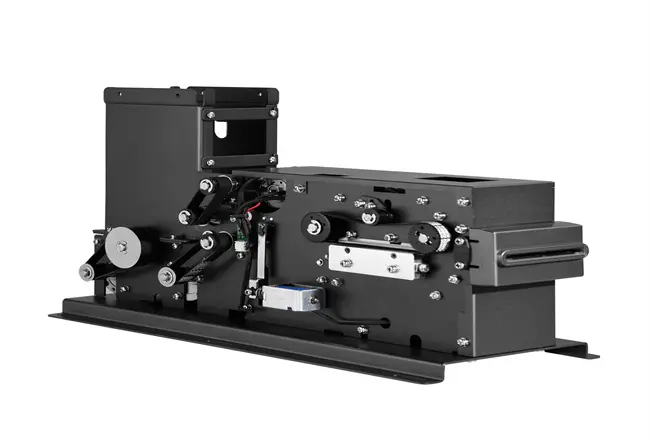
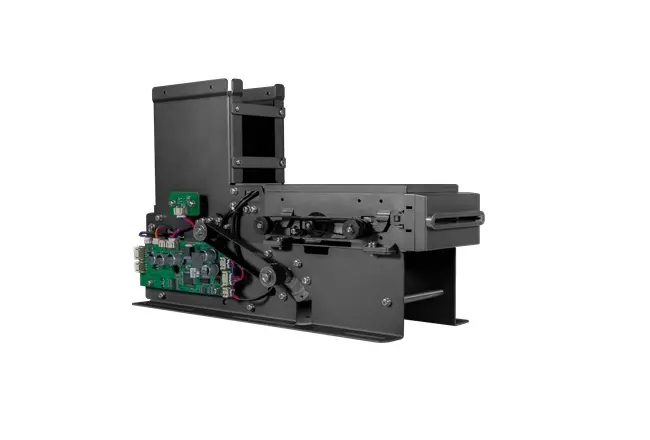
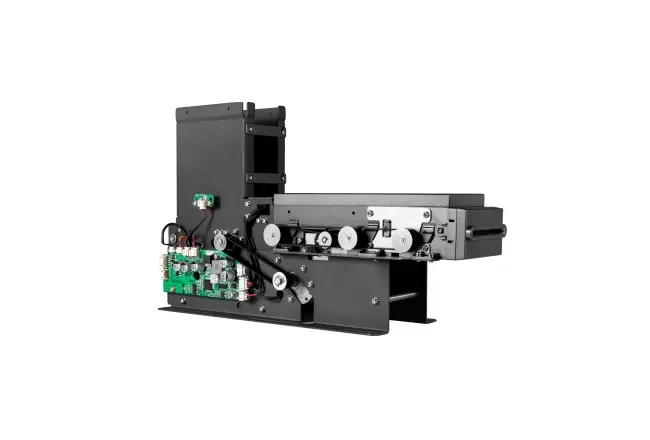
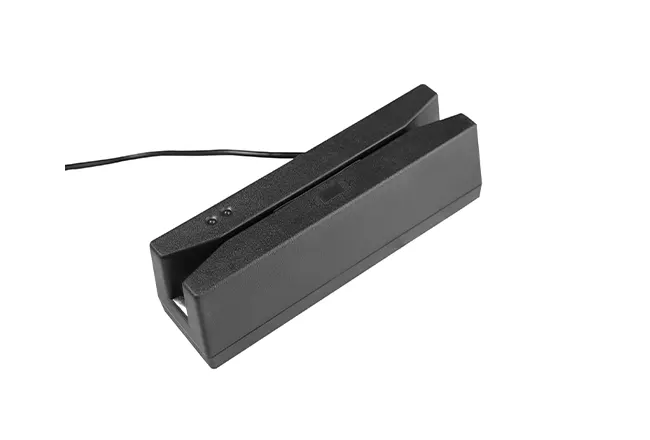
When card credentials are involved, integrated RFID and a dispenser can read, encode, issue, and recycle cards with minimal staff input. Under the hood, verified interfaces and structured logs guarantee end-to-end traceability and fast exception handling.
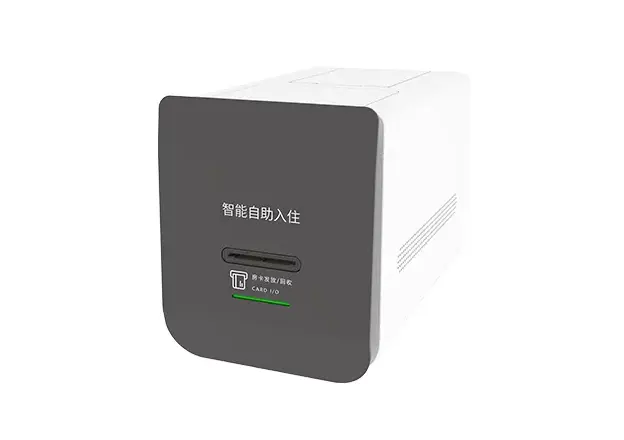
Operational Challenges a Self Check-In Kiosk Mitigates
Kiosks manage spikes, codify tasks, and reduce operational uncertainty:
•Peak-time throughput: high demand backs up the desk; kiosks serve many users at once.
•Coverage and training: shortages and learning curves drive errors; kiosks keep a uniform process 24/7.
•Rework and rekeying: manual rekeying creates defects; guided forms cut error rates drastically.
•Payment ambiguity: nonstandard flows lead to declines; compliant pathways improve acceptance.
•Device sprawl: many peripherals raise failure risk and support load.
•Accessibility debt: inaccessible patterns exclude users and invite noncompliance.
•Multilingual support: localized UI reduces confusion and guides every step.
•Identity verification delays: early scanning speeds ID checks and lowers fraud.
Paper-heavy processes: digital receipts and e-signatures reduce waste and reprints. The solution must compress queue length, safeguard payments and personal data, integrate cleanly with legacy platforms, and be usable by everyone on the first try.
Compliance You Can't Ignore
Trust, scale, and uptime depend on getting compliance right at the outset. A Self Check In Kiosk should align with three pillars: payments, privacy, and accessibility.
Payments and data protection: align with PCI DSS and EMV for chip transactions. Treat PII under GDPR/CCPA and satisfy HIPAA requirements for healthcare use. Protect data with encryption at rest/in transit, leverage tokenization, and employ tamper-resistant cases with secure boot chains. Keep comprehensive audit logs and apply role-based access control to support monitoring and quick incident response.
Accessibility and usability standards: comply with ADA or EN 301 549, and implement WCAG principles—clear wording, strong color contrast, orderly focus, and screen-reader compatibility. Add tactile markers and ensure touch points are reachable from a wheelchair.
Media and interface standards: support ISO/IEC 14443 and 15693 (Type A/B) for RFID; handle common media including MIFARE Classic and DESFire families. Follow ID-1 card specs (approx. 85.6 × 54.0 mm; thickness 0.7–1.5 mm) to minimize jams/misreads. Favor dependable interfaces like RS232 for RFID modules to simplify certification and service.
Design and UX Principles That Drive Adoption
Speed determines whether people choose the kiosk or queue for a human. Simple, forgiving UX lowers mental load and makes recovery obvious.
•Finish fast: design core tasks to complete in a minute or less. Keep steps ordered and progress continuously visible.
•One screen, one choice: constrain each view to a single decision. Use brief copy, large touch targets, and unmistakable labels.
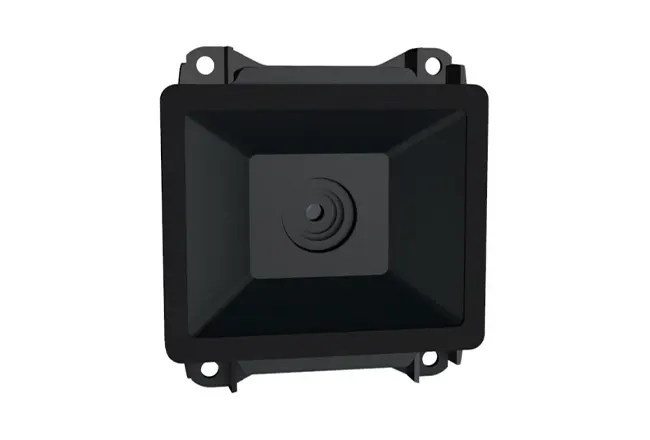
•Start with scanning: IDs/QR/barcodes first to minimize typing and error risk.
•Payment, no sidetracks: show all payment options early; avoid paths that lead nowhere.
•Privacy at the core: orient screens for privacy, mask sensitive fields, and auto-clear on inactivity.
•Accessibility built in: include text zoom, audio via headphone jack, height-adaptive layout, and high-contrast mode.
•Graceful recovery: when a step fails, present clear alternatives—retry, change method, or call for assistance—without forcing a restart.
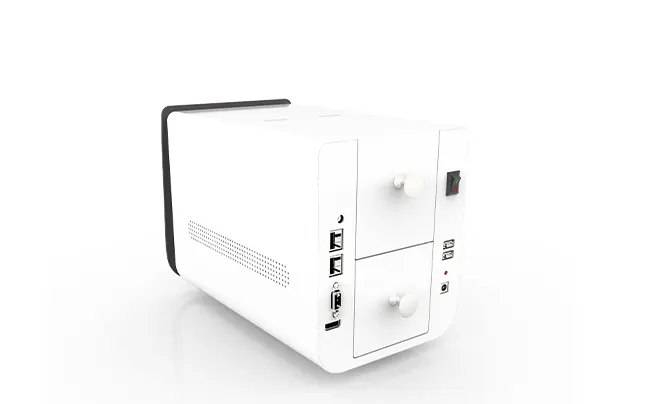
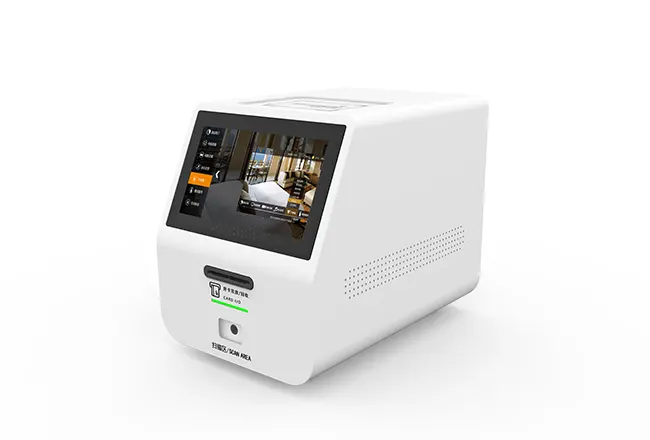
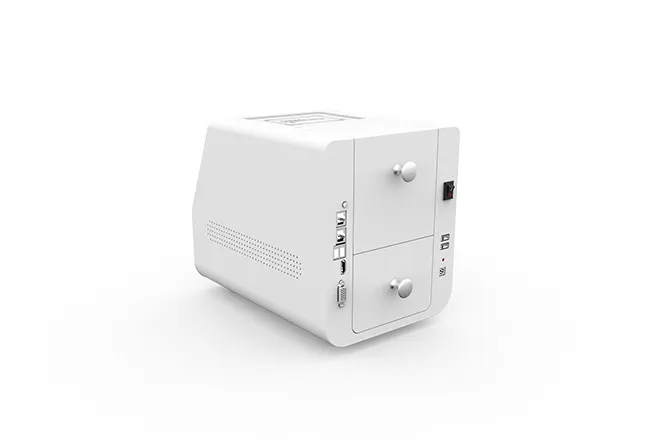
Small-Footprint Counter Unit, Modular by Design
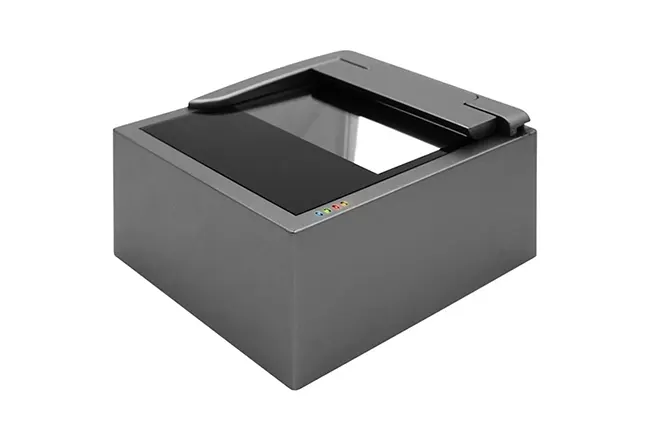
•Passport scan, POS, and door readers as add-ons
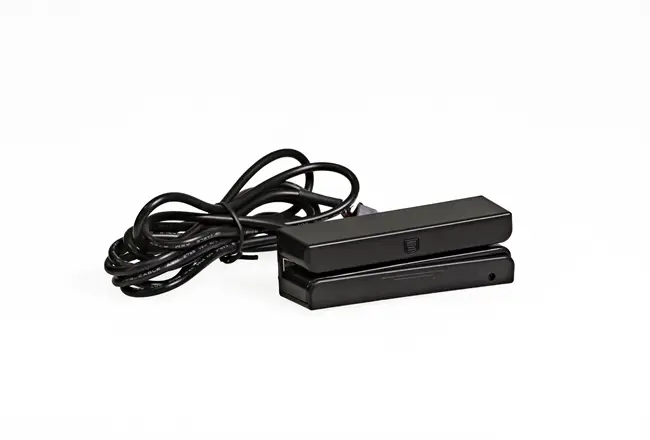
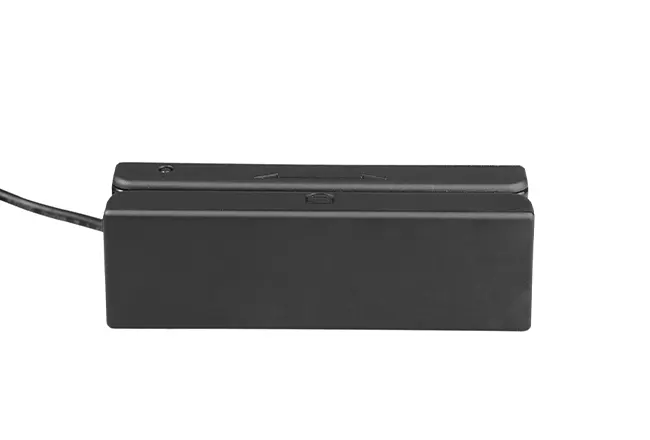
•RS-232 RFID lifecycle: issue, read/write, recycle with controlled access
•Payments via cards, POS, and mainstream wallets
•Touchscreen flows for check-in, tickets, reservations, ID checks
•ISO/IEC 14443 (A/B), ISO/IEC 15693, MIFARE support
•Clean integrations: PMS, HIS, banking with audit trails
•Multilingual, accessible UI with guided prompts and error isolation
•Remote diagnostics, signed updates, and event logging reduce TCO
TTCE: Integrated Compact Kiosk—Built for Uptime and Straightforward Service
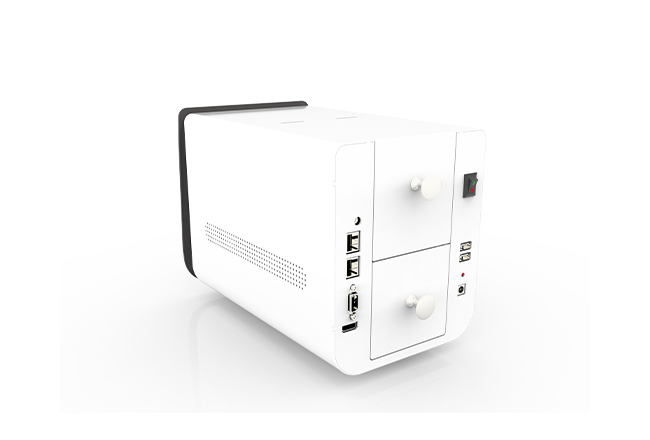
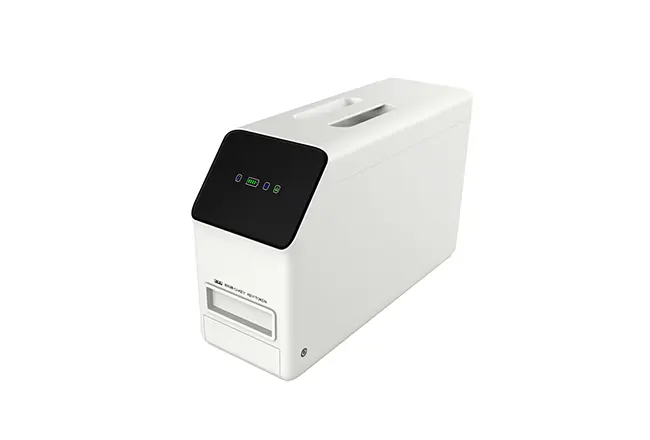
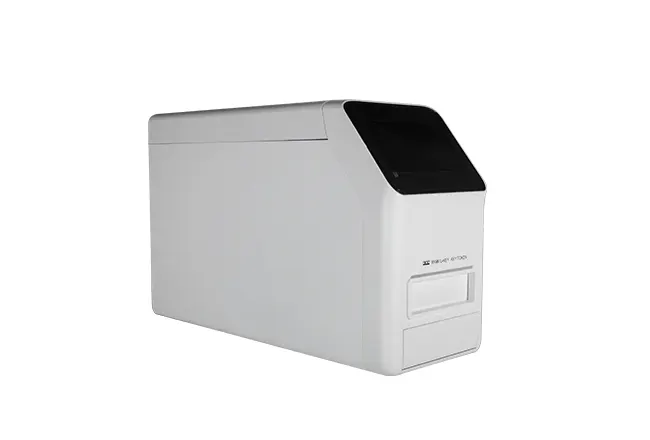
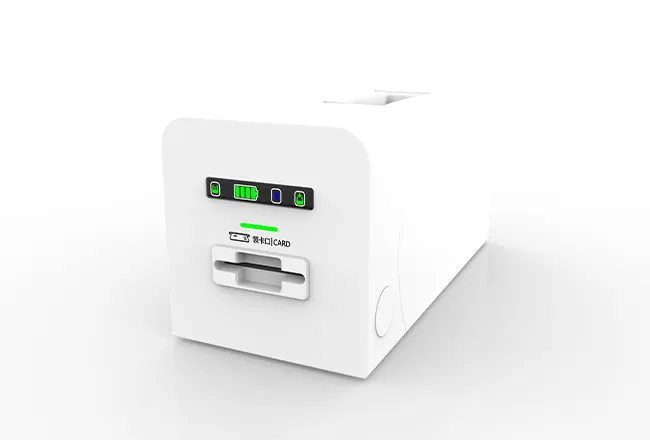
The compact tabletop chassis frees up front-of-house area while keeping the display and peripherals within comfortable reach. A modular approach lets operators add a passport reader, pair with an existing POS, or support a range of hotel door lock encoders without redesigning the station.
In hospitality, TTCE enables self-service room key issuance and recycling, which shortens lines and puts a key in a guest's hand in moments. Clinics use the same unit for patient identification, appointment confirmation, and co-pay collection. Banks route simple transactions—account inquiries and bill payments—through the kiosk to reserve staff time for higher-value conversations. Retailers and venues add fast ticketing, loyalty enrollment, and self-payment to smooth arrivals during peak periods.
The integrated RFID module and card dispenser rely on a dependable RS232 interface for stable communication across long service hours. Standards support is built in, including ISO/IEC 14443 and 15693 (Type A and Type B) with compatibility for widely deployed MIFARE Classic and DESFire. Card handling follows ID-1 sizing—width 54 ± 0.5 mm, length 85 ± 0.5 mm, thickness 0.7 to 1.5 mm—to reduce feeding errors and prolong component life.
Payment support includes bank cards, POS, and digital wallets, all enforced by PCI-aligned workflows. The all-in-one touchscreen walks users through check-in, ticketing, reservations, and identity verification with clear prompts and guided steps. Integration is simple: hotels link their PMS for bookings and room assignment; healthcare sites connect to the HIS for patient search and e-forms; banks integrate core systems for secure account flows. One Self Check In Kiosk that spans industries without compromising velocity or compliance.
Customers experience smoother journeys at once. Guests and patients complete fewer steps with better direction. Operators achieve shorter queues, fewer manual touch-ups, and higher throughput—without enlarging their footprint. Security teams secure an auditable standard via detailed logs and hardened integrations.
Call to Action
Set a new standard at the front desk with a Self Check-In Kiosk tuned to compliance, user experience, and everyday operations. Get the spec sheet, schedule a live demo, or talk PMS/HIS/POS integration with TTCE. Make check-in your hallmark.
