

How to Choose a Magstripe Reader: A Practical Guide for 2026
2026-01-28As contactless and EMV scale through 2026, magstripe remains a must-have across payments, access, and self-service. For kiosk refreshes, POS upgrades, and hotel/transit maintenance, the basics are your best insurance. This guide covers the essentials: what a magstripe reader does, how it works, where it fits, and the standards and selection factors to weigh this year.
What Is a Magstripe Reader and How It Works
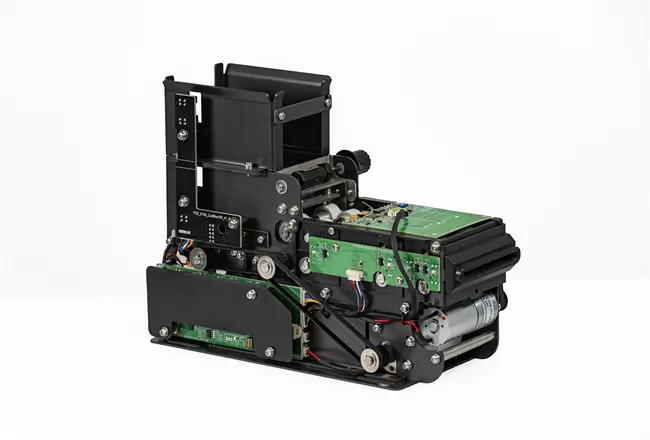
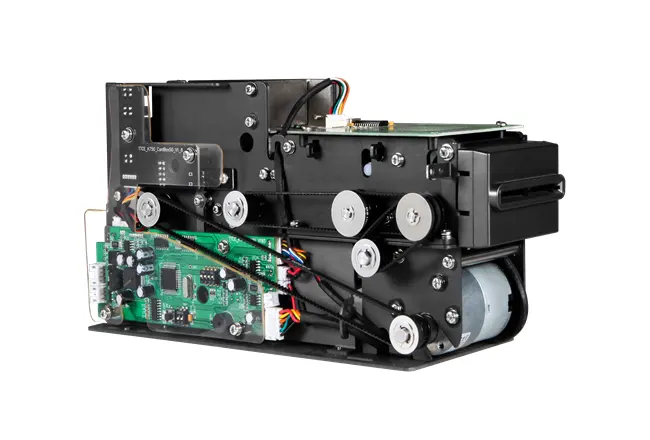
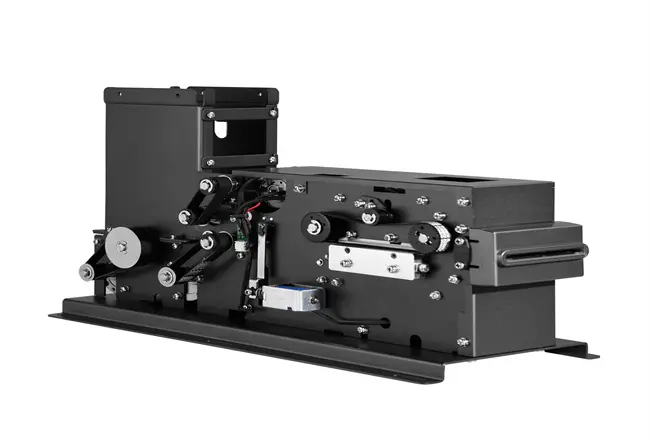
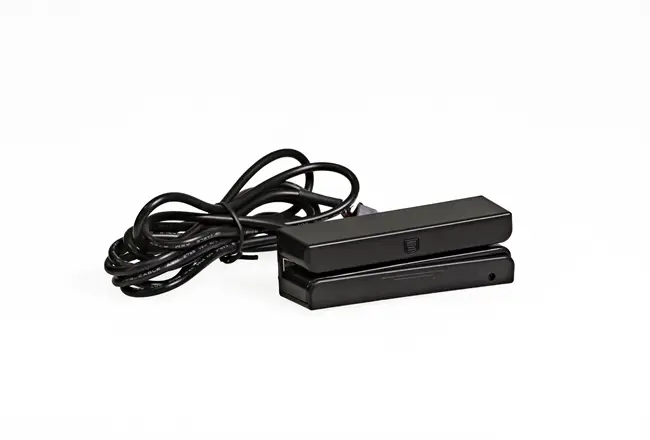
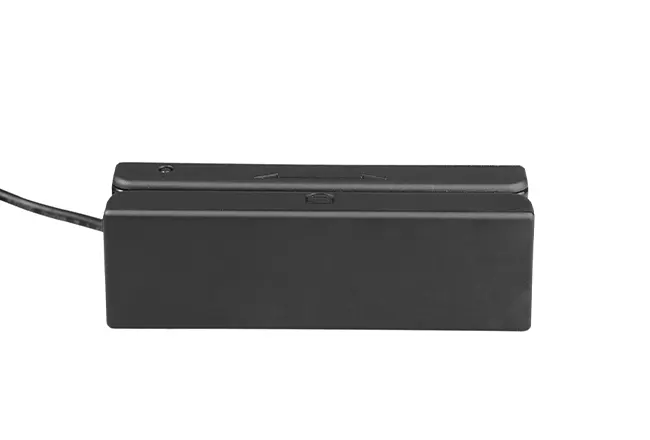
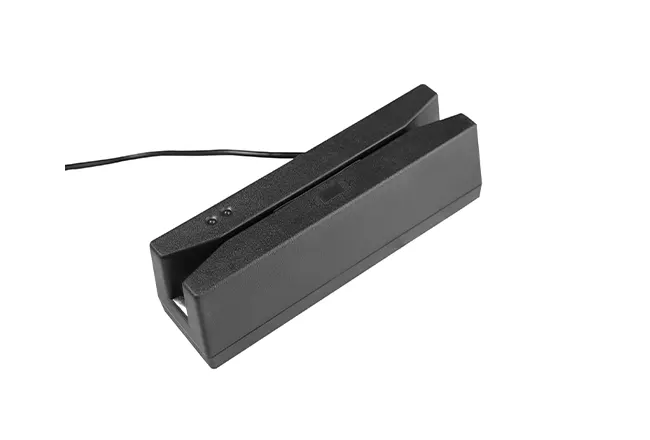
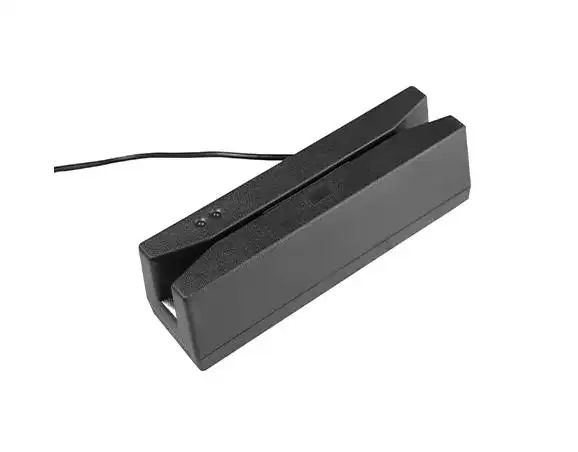
A Magstripe Reader captures the data encoded on the magnetic stripe of ID and payment cards. Most cards follow ISO 7811 definitions for up to three tracks on the stripe. When a user swipes, the magnetic head senses the tiny flux reversals on the stripe. Those changes are converted from an analog signal into digital pulses using Aiken biphase (also called F2F) decoding, then assembled into readable characters—commonly ASCII—before being passed to your host system.
Each track has a specific role:
• Track 1 — 210 bpi alphanumeric for name/account strings.
• Track 2 — 75 bpi numeric for payment credentials.
• Track 3 (where present) is numeric and can carry additional application data in enterprise or transit environments.
The flow is simple and fast: swipe, sense, decode, output. That simplicity explains why a Magstripe Reader remains embedded in retail backup POS lanes, hotel keycard systems, time-and-attendance devices, ticketing kiosks, transit gates, and membership check-in desks.
Why Magstripe Still Matters in 2026
Card networks have announced long-term plans to retire stripes—Mastercard, for instance, outlined removal in many markets by 2033. In practice, the transition is uneven. Millions of installed locks, turnstiles, kiosks, vending machines, and terminals rely on magstripe for a clean user experience and broad card compatibility. If you run mixed fleets or serve international visitors, there's real value in keeping a reliable Magstripe Reader on hand.
Magstripe is the operational fallback. It's the dependable fallback: clears lines when contactless misbehaves, honors legacy IDs, and accepts whatever card shows up—cutting ticket volume and keeping revenue predictable.
2026 Environment and Pain Points
• Compatibility: Missing three-track decoding forces re-swipes and keypad entry.
• Integration: Narrow interface options or locked firmware slow field rollouts.
• Throughput: Swipe inconsistency and tight tolerances drag down line speed and user satisfaction.
• Compliance: Any drift from ISO 7811/7812 or ID-1 dimensions drives read errors.
What Matters in Selection
• Three-track decoding: Tracks 1, 2, 3 for broad card compatibility; full decode cuts host parsing complexity.
• ISO alignment: ISO 7811/7812 and ID-1 (≈85.6 × 54.0 mm; 0.76–0.90 mm thick) sustain high first-pass read rates.
• Decoded output: On-board decoding with clean, formatted characters removes the need for custom parsers.
• Keep it simple and reassuring: straightforward prompts, visible progress, and a clear finish—“Your Key Is Ready.” Serve guests in their language. Empower staff with assisted mode. Plan for the unexpected—if matching or payments fail, offer instant access to help.
• Swipe quality: Smooth mechanics, stable head alignment, compact slot to reduce drag and wobble. Smooth swipe ergonomics drive higher first-pass read rates.
• Media tolerance spans paper tickets and polycarbonate cards—hotel, transit, membership—without reconfiguration.
• Durability and maintenance: reinforced housing, fixed head, accessible cleaning reduce misreads and service demand.
Environmental resilience supports outdoor kiosks and high-traffic entryways.
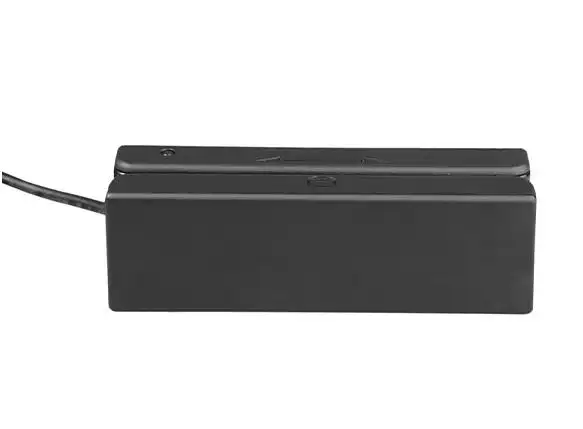
Choose Readers That Deliver
Dependable three-track reads, compact sizing, and clean decoded output. Three-track support means fewer exceptions in your software and smoother customer journeys. A compact module fits tight kiosk bezels and slim terminals, enabling smarter industrial design and easier retrofits. Decoded output means your application receives ready-to-use data with built-in error checking, so you spend time on UX, not signal processing.
The mechanical feel matters. A balanced slot, sensible swipe resistance, and clear orientation markers help non-technical users nail the swipe on the first try. In practice, that cuts queue times and reduces training. When the device is quiet, consistent, and forgiving of swipe speed variation, day-to-day operations simply run better.
Interfaces and Standards to Get Right
Most deployments come down to two interface modes:
• USB-HID Keyboard Wedge: The reader behaves like a keyboard, “typing” card data into the focused input field. This is the fastest path to POS or kiosk integration with minimal code.
• RS-232 serial link: Good for embedded controllers, older equipment, or setups that depend on deterministic framing.
• Cabling has an outsize effect. Bespoke lengths and proper terminations cut adapter clutter, reduce fault vectors, and clean up production harnesses. If your devices live in tight housings, specify right-angle connectors or strain reliefs early.
On standards, align tightly with ISO 7811/7812. ID-1 card size (about 85.6 × 54.0 mm) is the baseline for mechanical design. Track densities differ: track 1 is commonly 210 bpi and alphanumeric; track 2 is 75 bpi and numeric; track 3 is typically 210 bpi and numeric. Readers that handle these variations consistently will achieve higher first-pass rates across mixed card populations.
Deployment Scenarios and ROI in 2026
•Retail: Position a Magstripe Reader as the always-ready backup in POS and loyalty lanes. When contactless times out or a legacy card appears, the stripe read keeps throughput high.
•Hospitality: Magstripe continues to underpin room keys and guest services. Media-tolerant readers handle both polycarbonate and paper keys prevalent in mid-market properties.
•Transit And Kiosks: Low-drag, compact swipe modules help users get it right on the first try at ticketing, gates, and vending. Quick, first-pass reads keep queues from backing up at shift changes.
•Workforce systems: Solid swipe performance cuts exceptions, limits payroll adjustments, and builds worker trust. ROI builds with fewer misreads, faster training, and reduced tech involvement. Decoding at the reader removes custom parsing, multi-interface support consolidates SKUs across host types, and a compact build cuts enclosure costs while improving ergonomics.
These gains lower TCO and preserve backward compatibility as hybrid credentials are phased in across budget periods.
Implementation Checklist
• Tracks: Determine track usage; enable Tracks 1/2/3 for walk-up variability.
• Host connections: Keyboard wedge for kiosk PCs, RS-232 for controllers; specify cable length, connector, and strain-relief for serviceability.
• Standards tests: Trial ISO ID-1 paper and polycarbonate cards.
• User help: Show orientation and suggest a swipe speed. Check first-pass reads against your SLA and adjust.
• Anchor the device and guard the cables, using the compact size for clean runs.
• Keep a wide bend radius and add strain relief to prevent stress.
• Smarter hygiene: dynamic cleaning schedules that scale with traffic. Monitor read-error indicators and remediate prior to service-level deviation.
• Optimize every swipe: Capture logs and error codes; cut mis-swipes with smarter prompts, better placement, and clean cabling.
Magstripe Reader technology still underpins payments, access control, and self-service in 2026, even as contactless and EMV expand.
Upgrade path for 2026: Choose a magstripe reader built for today and tomorrow—three-track decoding, ISO-aligned accuracy, compact design, and adaptable connectivity.
